Managing internal procedures: best practices for a successful organization
🔎 Are you working on Word or PDF files to manage your internal documents? On folders shared with your colleagues?
📈 This approach is commonplace, but when an employee leaves or a process changes, it can affect your organization’s efficiency.
❌ Without effective document management, knowledge is lost and the risk of errors increases.
💡 Don’t worry! We’ll guide you step by step towards best practices for structuring and optimizing the management of your internal procedures.
Ready to update your documents and facilitate their adoption by your teams? Let’s get started!
1. Understand how to manage internal procedures
a. The benefits of documenting procedures
For a company, documenting and archiving its actions is common practice. But effective documentation does more than record information. It must be designed to be accessible and comprehensible to all. Each employee must be able to appropriate the content and work independently. By structuring and centralizing these documents, the company limits the loss of knowledge. It ensures the smooth transmission of knowledge and guarantees the continuity of processes, even in the event of departures or internal changes. Indeed, according to this INSEE study, staff turnover is on the increase. And its direct consequences? Loss of skills, increased errors, difficulty keeping up with ongoing projects.
That’s why I advise you to take care of your operating procedures. I’ll explain it all now!
b. The difference between storage and document management
You may already be using storage solutions such as Sharepoint (for the Office suite) or Google Drive (for the Google suite). These spaces are ideal for archiving and backing up your files. And all in a shared, secure space. Yet, they are not sufficient to ensure the life cycle of your documents. Because document management must do more than ensure access to documents. It must not only facilitate their collaborative use, but also guarantee the optimization of every internal procedure over the long term.
2. Choosing the right documentation tool
Taking the time to write your process documentation is the first step, making it functional and accessible is the second. The secret? Use the right tools, and above all, the right web-based documentation solution.
a.Typical errors with Word and PDF format
In most cases, procedure management is based on the use of Word or PDF files. These are often stored in shared folders (company servers or online Drives). While this approach may seem playful and familiar, it has a number of limitations:
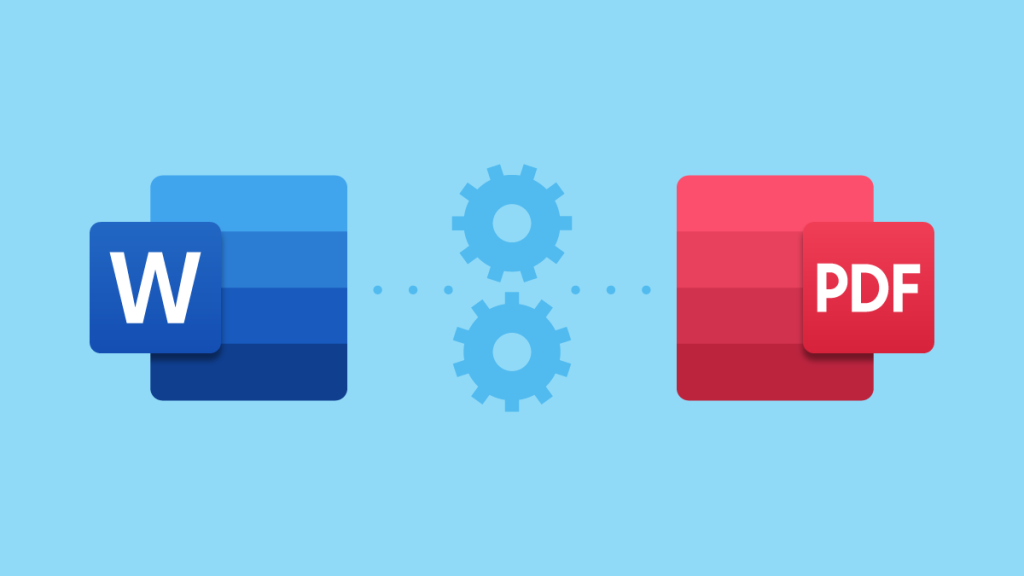
- Freezing documents: modifying them is less fluid. Updating them is more complex.
- Time lost: each document needs to be opened. In MS Word or Adobe Reader, it takes 3 seconds, compared with less than 1 second in web format.
- Increased business flows: just because of simple unstructured notes. For example, notes stored on a personal computer.
- Risk of multiple storage: on users’ workstations. This leads to divergent versions of documents, and therefore a loss of consistency.
b.Key components
Of course, getting into the habit of writing detailed documents takes some getting used to. But if you use the right tools, you’ll benefit in the long run. To help you, I’ve drawn up a list of criteria for choosing your solution:
- Accessible: your solution must be usable on any medium. In other words: phone, computer or tablet. Collaboration must address the issues of hybrid or remote working.
- Access rights management: it must offer advanced access rights management. This ensures that data is secure and protected against unauthorized disclosure.
- Varied functionalities: it must integrate version management. And advanced search.

3. Get to know the main tools
a. Online tools
Are you looking for an alternative to an in-house solution hosted on your own servers? An online tool can offer greater flexibility, simplicity and security. Among the most popular are note-taking tools such as Evernote and Notion. They let you store, organize and share your notes and documents via the cloud.
However, their free features are limited. To benefit from the full range of services, you’ll often need to take out a subscription.
b. Server-based frameworks
You can also host your process documentation on a server. There are tools designed to efficiently structure and standardize even the most complex documents.
Find out more about the main frameworks available below:
Docsify: generates documentation from Markdown files.
Docusaurus: ideal for dynamic document sites. Based on React.
MkDocs or Sphinx: often used for technical documentation. Based on Markdown or reStructuredText.
To manage your web content and website, you can install a lightweight CMS. Among the best-known :
Grav: PHP CMS whose content can be modified by non-developers.
Hugo: Go-based CMS offering good performance, but requiring more skills.
Custom HTML/CSS: do you have technical skills? Create customized documentation. In HTML and CSS.
c.Apps included in packs
When it comes to digital tools, leveraging existing subscriptions is often the most cost-effective approach. Some of the most widely used suites—Microsoft, Google, and Apple—already offer powerful, well-integrated tools. While each application has its limitations, sticking to these ecosystems is often the most practical choice. Not only does it reduce subscription costs, but it also ensures seamless compatibility between tools.
Before investing in a new solution, ask yourself:
Can the features included in your current package meet your needs?
By sticking with the same tool, you can:
- Optimize existing resources
- Control costs
- Simplify your digital environment
With that in mind, I’d like to highlight one of my favorite tools: Microsoft OneNote and its OCR technology.
c.1. Microsoft OneNote and the power of OCR
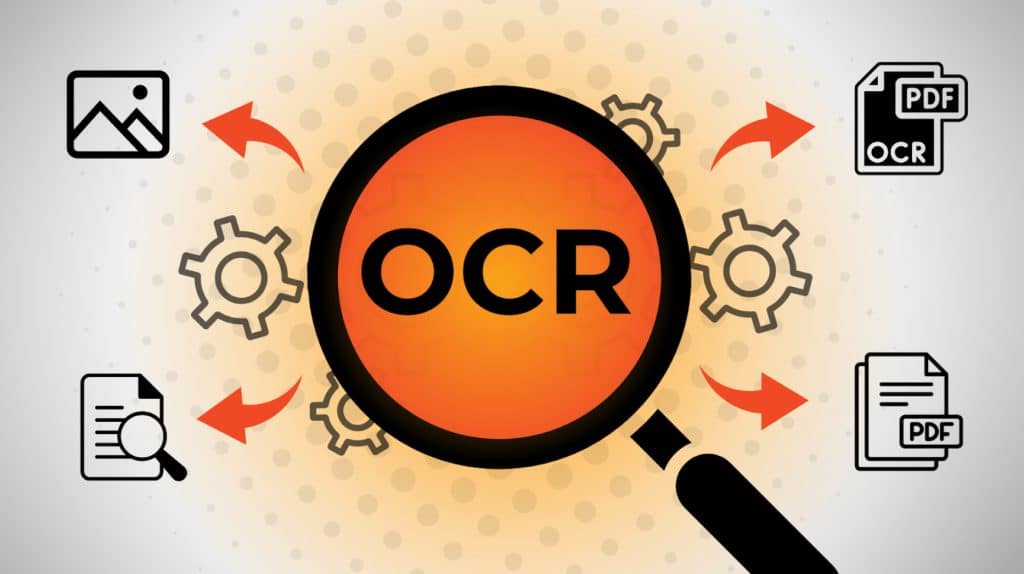
OneNote is a structured note-taking tool, seamlessly integrated into the Microsoft 365 suite. Its biggest advantage? Optical Character Recognition (OCR)—it’s the only Microsoft tool that includes OCR for images, allowing you to convert screenshots or scanned documents into editable text.
With this technology, OneNote automatically extracts text from an image, letting you use it just like a standard text document. The benefits?
- Simplified document management and data retrieval
- Increased productivity
However, OCR only works if the screenshot is taken using a screen capture tool. It cannot extract text from images originating from Word files or external sources.
c.1. Microsoft OneNote: managing access rights

Managing permissions in OneNote can be confusing for beginners. By default, notebooks are stored on the OneDrive of the person who created them, which limits access for other users. For collaborative use, store the notebook in a shared directory, then set the appropriate read and write permissions as needed.
That said, moving a notebook from a personal space to a shared folder isn’t exactly intuitive. This process can be tricky, especially for new users. If you run into difficulties, I recommend checking Microsoft Supportfor guidance.
Note: Microsoft Loop stands out for its intuitive design and seamless compatibility with external tools like Jira, Trello, and GitHub, making collaboration and project management easier.
4. Simplify access to tools
Once the tool has been selected, the focus shifts to managing the content.
In many organizations, IT tool procedures are often minimal—typically just a series of instructions. While these may be enough for experienced users, they often lack clarity, making them ineffective for newcomers or handling exceptional situations.
To bridge this gap, here are the best practices to follow:
a.The language
The simpler the language, the more accessible your documentation becomes. This brings several benefits:
- Inclusivity: Users may have different levels of training. Clear, simple language ensures that everyone can follow procedures without difficulty.
- Faster learning: A concise and well-structured procedure reduces the time needed to grasp a new task or tool.
- Better adoption: Keep it simple. Using familiar language encourages team members to edit and even enhance the documentation.
b.Visuals
Reading requires focus and effort—that’s where images come in. Fun fact: the brain processes images 60,000 times faster than text. In a business setting, visuals enhance understanding, directly improving the application of processes.
Why?
Because graphic representations simplify complex information, making them especially valuable for precision-driven roles. They present data in a clear, intuitive way, regardless of the user’s expertise level.
Visuals also aid in memory retention and significantly reduce errors caused by misinterpretation.
Screenshots: A Powerful Aid
Screenshots are an excellent complement, making procedures more engaging and easier to follow by providing a clear view of the interface and necessary menus. They help users navigate processes while minimizing ambiguity.
A Key Limitation: Maintenance
However, screenshots require frequent updates. Every software update or interface change means redoing them—a time-consuming task.
The solution? Use screenshots wisely and prioritize more durable visual formats, especially for elements prone to frequent updates.
5. Structuring Your Procedures
a.Writing procedures
Guidelines for Effective Documentation
Foster Global Understanding
Providing detailed explanations enhances comprehension. A procedure described without context—such as omitting explanations for fields or options—becomes purely mechanical. It strips users of a broader understanding. By clarifying each field and its purpose, you give meaning to every step, allowing employees to adapt their actions to different situations.Minimize Errors
Misuse of fields can lead to costly mistakes. The solution? Clear, precise documentation. Specify required formats (e.g., date, number, text) to prevent incorrect entries and ensure data integrity.Empower Users with Autonomy
Well-documented procedures reduce reliance on technical support. When users have access to comprehensive instructions, they can resolve issues independently, improving efficiency and productivity.Prepare for Variations
Oversimplified procedures often only cover standard scenarios. By detailing field usage, your guide becomes adaptable to different needs and situations, saving time and preventing unforeseen roadblocks.Preserve and Transfer Knowledge
Procedures evolve, as do teams. Documenting processes thoroughly ensures continuity, even when experienced employees leave. This facilitates knowledge transfer and smooth onboarding for new team members.
A well-structured, detailed approach to documentation is key to maintaining efficiency, reducing errors, and fostering adaptability within your organization.
b. An example of structuring
Let’s take the example of an IT procedure. You can structure your forms by indicating :
- List of fields on a screen.
- Functional description: explain the function of the field.
- The type of data expected if necessary:
- A field limited by a predefined list.
- A number or date.
- A non-modifiable field resulting from a calculation.
- Consequences of input: explain the influence of data on results or next steps.
- Common mistakes: prevent potential errors. Such as incorrect formats or inconsistent values.
- Some examples: provide concrete examples of data entry.

a.Long-Term Benefits for the Organization
- Time Savings – High-quality procedures reduce the time spent training new employees or correcting errors.
- Data Reliability – Minimizing the risk of incorrect or incomplete entries ensures more accurate data.
- Compliance and Traceability – Comprehensive documentation guarantees adherence to both internal and external standards.
6. Update and Improve Content
a.The Importance of Keeping Your Documentation Up to Date
Keeping documentation up to date is essential. It ensures relevance, reliability, and efficiency. Outdated information can mislead users and negatively impact their productivity. One of the main reasons for updates is the evolution of IT systems. However, changes in processes or organizational standards can also make updates necessary. Whatever the case, regularly maintaining your documentation is crucial.
An updated documentation system improves user efficiency and boosts confidence in the information provided. As a result, it naturally encourages the adoption of best practices.
b. The Method
Updating documentation ensures the reliability of shared information. Here are the key steps:
Define an update frequency
- Establish a regular review schedule, such as during annual version upgrades or each production launch.
- Adjust the frequency based on industry changes or updates to the tools you use to ensure documentation remains relevant and accurate.
Assign responsibility
- Assign one or more quality managers to each area. This will ensure that updates are validated.
- Encourage feedback to identify possible modifications.
Updating documentation ensures the reliability of shared information. Here are the key steps:
Standardize the process
- Define clear rules: proofreading, validation and publication.
- Check compliance and non-compliance with legal and regulatory requirements (GPDR, ISO 27001).
Test and validate
- Have updates proofread by users to ensure clarity and relevance.
- Apply changes and follow up to ensure adoption.
Conclusion: Towards Optimized Documentation
Managing internal procedures is a long-term strategic investment—far more than just a list of instructions.
By integrating tools like Microsoft OneNote and adopting a structured documentation approach, you ensure:
✅ Knowledge continuity by preserving and sharing essential information.
🚀 Increased productivity through quick and organized access to information.
💡 Better adoption of procedures, making them easier for teams to implement.
❌ Fewer errors by standardizing best practices.
Investing in modern documentation management guarantees efficiency, clarity, and long-term sustainability for your organization!
Looking for a professional? Let’s collaborate to ensure the success of your projects throughout their entire lifecycle.
Want to take it a step further? Boost your company’s performance today by checking out my article on Managing Internal Procedures: Best Practices.
Stay tuned for more articles coming soon!
Maud Cappelle